Robotic Arm Simulation in ROS 2: A Complete URDF Guide for Engineers
You have a specific robotic arm to simulate — a UR5e, a Franka Panda, a KUKA iiwa 14 — and you've just spent two hours cloning a GitHub repo whose URDF throws missing-mesh errors the moment you run check_urdf. The joint limits are absent or wrong. The launch files are written for ROS 1 and won't port. And when you finally force the model into Gazebo, it sinks through the ground or jitters itself apart. This is the standard friction tax of sourcing a robotic arm from scattered, abandoned repositories: undocumented coordinate frames, collision meshes that are missing or are just the full visual mesh tanking your contact performance, and inertial data nobody bothered to fill in.
Per ROS Wiki guidance, a visual-only model is inadequate for any physics engine — a simulation-ready model must carry accurate inertial and collision tags on every link to avoid non-physical behavior. That gap is precisely why so many downloaded arms "explode, jitter, or sink through the ground when gravity is enabled," as The Construct's manipulator tutorials repeatedly document. This guide takes you from sourcing a verified model to a robotic arm spawning and holding position under gravity in your ROS 2 workspace. No theory lecture — a working pipeline.
Table of Contents
- What Makes a Robotic Arm URDF Actually Simulation-Ready
- Choosing Your Robotic Arm Model: Source Options Compared
- Setting Up Your ROS 2 Workspace for Arm Simulation
- Loading a Robotic Arm from URDF Hub into Gazebo
- Verifying Joint Control and Sensor Behavior on a Simulated Arm
- Matching Your Robotic Arm to the Right Simulator
- The Robotic Arm Deployment Checklist
- Robotic Arm Simulation FAQ
What Makes a Robotic Arm URDF Actually Simulation-Ready
There's a wide gap between a URDF that renders cleanly in RViz and one that simulates correctly under a physics engine. That gap is your core decision criterion for every model you evaluate. The ROS Wiki benchmark is explicit: every link in a robotic arm should carry <inertial>, <collision>, and <visual> tags. A link missing any of these is a red flag before you even attempt simulation. Treat the following six properties as your inspection list when you open any URDF.
- Complete kinematic chain — Links connected by joints with explicit parent and child frame definitions. Every joint names the two frames it bridges, and those frames must form an unbroken tree from the base to the tool flange. A break or a mislabeled frame produces TF errors and an arm that won't move coherently — RViz will show disconnected geometry floating in space.
- Accurate joint limits — Position, velocity, and effort bounds defined per joint. These values must match the hardware datasheet. Set them too tight and the arm can't reach valid poses; set them too loose and the arm violates physical constraints during reinforcement learning rollouts, producing policies that never transfer to real hardware. Joint limits are the cheapest thing to get wrong and the most expensive to discover late.
- Collision meshes, not just visual — Gazebo guidance recommends approximating complex geometry with a small set of primitives — boxes, cylinders, spheres — for
<collision>while keeping the detailed mesh only in<visual>. This keeps contact calculations stable and real-time. Reusing the full visual mesh as the collision mesh is one of the most common causes of slow or unstable contact resolution, because the solver chokes on thousands of triangles per link. - Inertial properties — Mass, a center-of-mass origin, and a 3×3 rotational inertia matrix declared via the
<inertial>tag for every link. The Construct's manipulator tutorials report that missing or unrealistic inertials — not controller bugs — are the single most common cause of arms that fall apart or numerically explode in Gazebo. If gravity makes your arm collapse, this is where you look first. - Sensor and transmission configs — The
ros2_controltransmission and hardware-interface definitions that let a controller actuate the joints. Without these tags, no controller can drive the arm; it will spawn, render, and then sit inert no matter what trajectory you publish. Sensor-equipped arms also need their force-torque or camera plugins declared here. - XACRO vs flat URDF — XACRO's macros and parameters let you reuse link definitions, parameterize mesh paths, and conditionally include grippers. Flat URDF is fine for a fixed, one-off model but painful to maintain the moment you need two variants. If you expect to swap end-effectors or target multiple ROS 2 distros, start from XACRO.
A robotic arm that renders perfectly in RViz can still be physically unsimulatable — collision meshes and inertials are where most downloaded URDFs quietly fail.

Choosing Your Robotic Arm Model: Source Options Compared
Decide where you source a model before you invest hours debugging the wrong one. Both the Farama Gymnasium tutorials and the MuJoCo Menagerie maintainers explicitly recommend starting from validated, curated models rather than running a custom CAD-to-URDF pipeline, citing reduced debugging time and real productivity gains. The trade-off is selection breadth versus verification depth. The table below maps the five realistic sourcing paths against the criteria that actually determine how much of your week you lose.
| Source | ROS 2 launch files | Verified/tested | Collision meshes | Multi-sim |
|---|---|---|---|---|
| Scattered GitHub repos | Rare | No | Often missing | No |
| Manufacturer repos | ROS 1-leaning | Vendor-tested | Usually present | No |
| Gazebo Fuel | Partial | Gazebo-only | Present | Gazebo-only |
| MuJoCo Menagerie | No (MJCF) | Yes (MuJoCo) | Present | MuJoCo-native |
| URDF Hub | Yes (Humble/Iron/Jazzy) | Peer-reviewed | Present + simplified | Gazebo/Isaac/PyBullet/MuJoCo |
(The "Verified/tested" and "ROS 2 launch files" columns reflect documented source characteristics from research, not an author rating.)
Scattered GitHub repos give you the widest selection, but the models are ad-hoc. Community-shared URDFs frequently omit collision and inertial tags, as The Construct's tutorials document, and ROS 1 launch files still dominate — meaning you inherit a port job before you write any of your own code. Manufacturer repositories such as ros-industrial offer authoritative kinematics straight from the vendor, but they're often ROS 1-locked and maintained inconsistently for ROS 2, so a model that looks official can still need significant migration work.
Gazebo Fuel integrates well with Gazebo specifically, which is exactly its limitation: documentation and ROS 2 launch coverage vary by model, and the assets are Gazebo-centric. MuJoCo Menagerie is the high-water mark for curated quality — simulation-tested Franka Panda, UR5e, KUKA iiwa, and Kinova Gen3 arms with consistent joint limits and contact properties. But Menagerie is MJCF-native, not URDF. For a ROS 2 and Gazebo workflow you'd be converting in the harder direction. URDF Hub is built to close exactly this gap: peer-reviewed models verified across Gazebo, Isaac Sim, PyBullet, and MuJoCo, shipped with ROS 2 launch files for Humble, Iron, and Jazzy, complete with collision meshes, inertials, and datasheet-matched joint limits under MIT or Apache 2.0 licensing.
The cheapest URDF is the one you don't have to debug.
Setting Up Your ROS 2 Workspace for Arm Simulation
Complete these prerequisites before you touch any model. Each step exists to remove a class of error you'd otherwise hit mid-spawn, when it's much harder to diagnose.
- Confirm your ROS 2 distro and matching sim version. Run
echo $ROS_DISTROto identify whether you're on Humble, Iron, or Jazzy, then pull model and launch files that match. A launch file written for Humble may reference APIs that are deprecated or renamed under Jazzy, and the failure surfaces as a cryptic node crash rather than a clear version error. Match the distro first. - Install your simulation environment. Choose Gazebo (Harmonic or Fortress), NVIDIA Isaac Sim, PyBullet, or MuJoCo based on your end goal. For a ROS 2 and Gazebo workflow, note that Gazebo internally converts URDF to SDF, so URDF is the correct native input — you don't need to author SDF by hand.
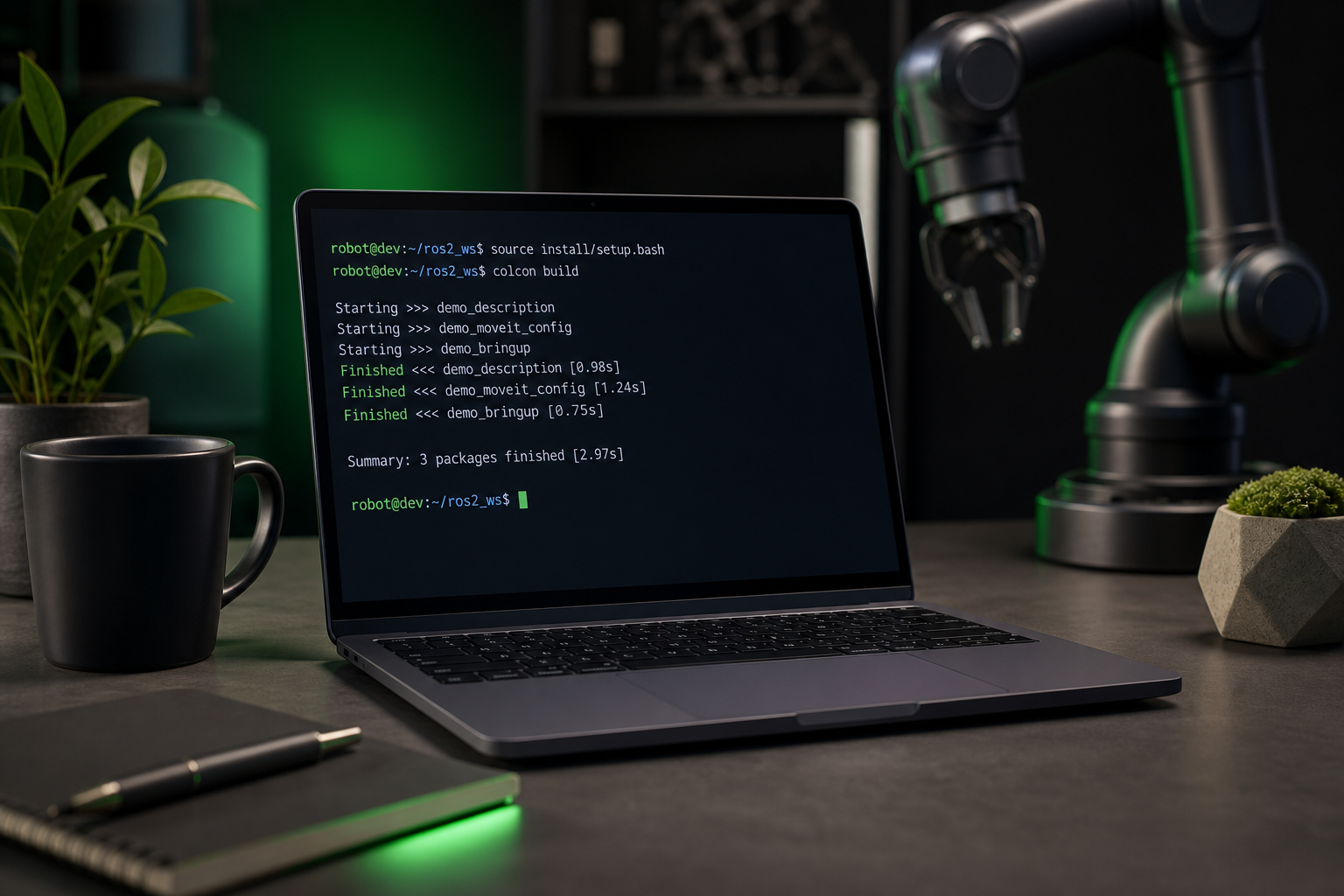
- Create and source a colcon workspace. Run
mkdir -p ~/arm_ws/src, then build withcolcon buildand source the result withsource install/setup.bash. Sourcing is the step engineers skip and then spend twenty minutes wondering why their package isn't found. - Install ros2_control and controller packages. Pull
ros2_control,ros2_controllers, and the Gazebo control plugin. These are what make the transmission and hardware-interface tags from the previous section actually function — without them, the controllers simply won't load. - Verify TF and robot_state_publisher availability. Confirm
robot_state_publisherandjoint_state_broadcasterare installed. These publish the TF tree your arm depends on; an arm with no TF tree is geometry with no spatial relationships, and every downstream node that subscribes to transforms will silently fail.
Loading a Robotic Arm from URDF Hub into Gazebo
This is the transactional core: from download to a spawned arm holding its pose. Work a concrete example — the Franka Panda — and anchor each step in the incremental validation benchmark the ROS and Gazebo documentation establishes: validate structure with check_urdf, inspect frames in RViz, then spawn into the physics engine. Skipping forward in that order is how you waste an afternoon debugging a physics problem that was actually a parse error.
- Browse and download from URDF Hub. Select the Franka Panda model and download the URDF or XACRO file, the mesh directory, and the matching ROS 2 launch file for your distro. Keep the mesh directory structure intact — broken relative paths are the most common avoidable error at this stage.
- Place it into your workspace
descriptionpackage. Drop the model into~/arm_ws/src/<robot>_description/so that thepackage://URIs in the URDF resolve correctly. Gazebo and RViz both rely on this package resolution to find mesh files; place the model anywhere else and your meshes silently fail to load. - Validate the URDF. Run
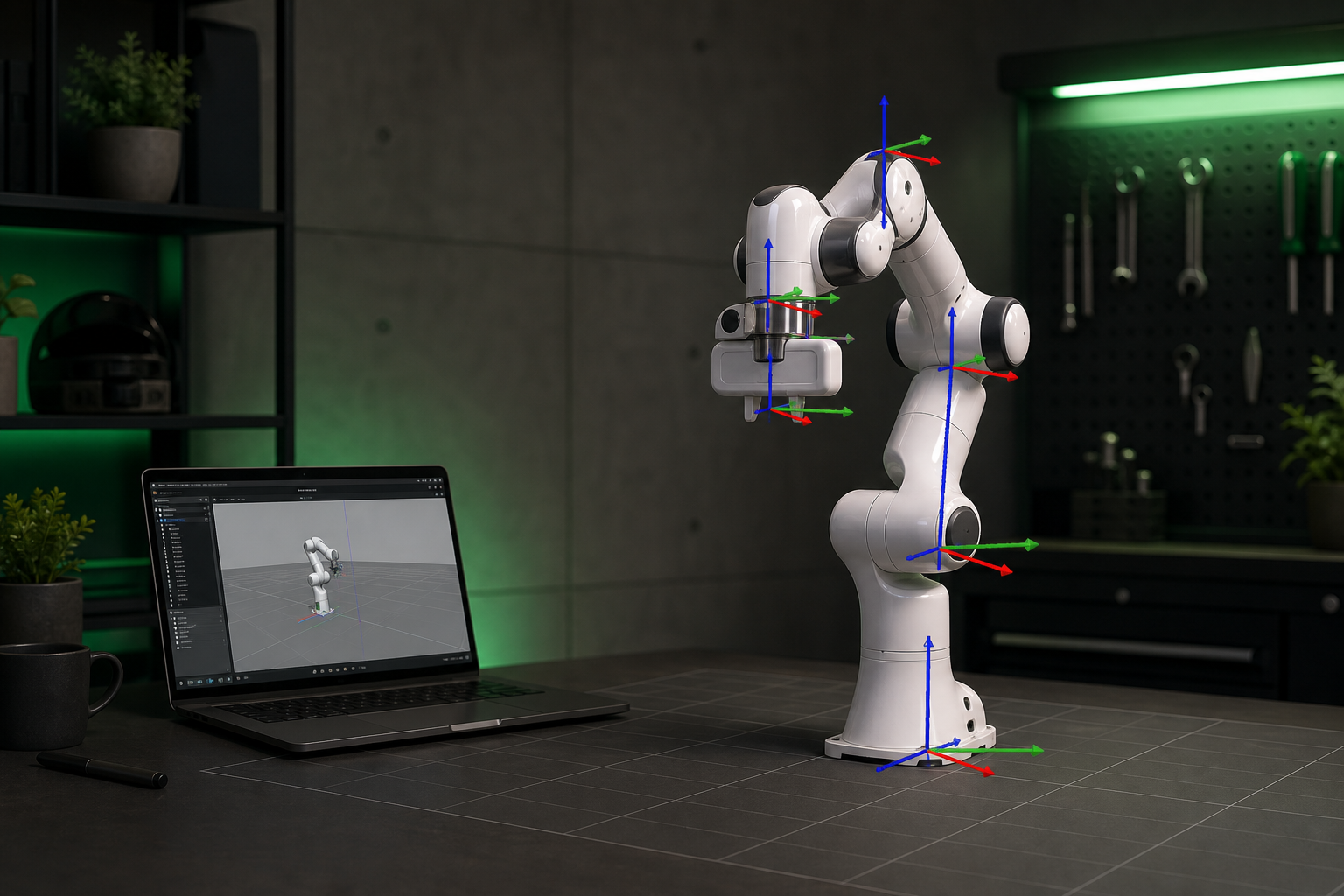
check_urdf <robot>.urdfto confirm the kinematic tree parses with zero errors. This is the first gate in the standard validation workflow. A clean parse here means your joints, links, and frame hierarchy are structurally sound before any physics enters the picture. - Inspect frames in RViz. Launch
robot_state_publishertogether with RViz, load the model, and confirm every TF frame and joint axis appears where it should. This catches reversed joint axes and misplaced frames visually — far faster than chasing the same defect through Gazebo's physics behavior. - Spawn into Gazebo and confirm physics. Run the included launch file to spawn the arm, then verify it holds its configured pose under gravity without collapsing, sinking, or jittering. That "no jitter, no collapse" behavior is the acceptance criterion The Construct's tutorials use to declare an arm simulation-ready.
Because models from URDF Hub ship with pre-tested inertials and simplified collision meshes, steps 3 through 5 should pass on the first attempt. That's the direct contrast to the GitHub debugging loop in the opening: instead of iterating on missing tags, you're confirming work that's already been verified across four simulators.
Verifying Joint Control and Sensor Behavior on a Simulated Arm
Most guides stop at "the arm appears in Gazebo." That proves nothing about whether it works. A static model that renders under gravity is still a long way from a controllable manipulator, and the steps below are how you close that distance. Each one maps directly back to a property from the first section — if a check fails, you already know which URDF tag to interrogate.
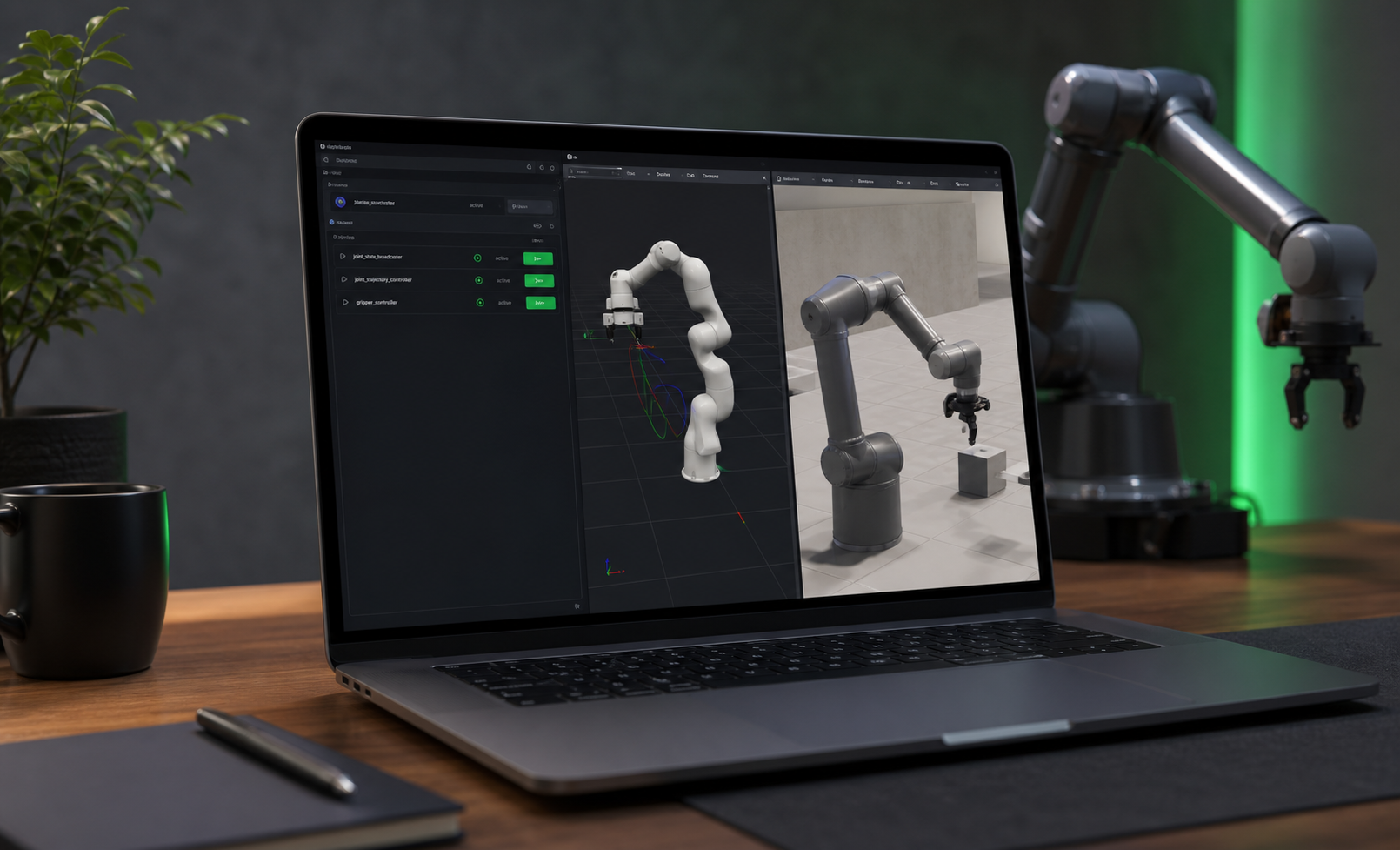
Start by loading controllers via ros2_control. Spawn the joint_state_broadcaster and a joint_trajectory_controller, then confirm both reach the active state. This only succeeds if the transmission tags are present in the URDF; a controller that loads but never activates is almost always a missing or malformed hardware interface. Once controllers are active, send a joint trajectory command — publish a target trajectory and confirm the arm tracks it smoothly. This is the actuation layer that separates a controllable arm from a decorative one, and smooth tracking tells you the controller-to-hardware-interface chain is intact end to end.
Next, check that joint limits hold. Command a pose deliberately close to a limit and confirm the arm clamps at the boundary rather than overshooting. If it overshoots, the limits in the URDF don't match the datasheet — a validation failure that traces back to whoever authored the model, not to your controller. Then validate collision response: command a self-colliding configuration and confirm the simulator registers contact. If links pass through each other untouched, the collision meshes are missing or wrong, exactly the failure mode flagged earlier. Finally, for sensor-equipped arms, confirm the sensor topics publish — verify force-torque and joint-state topics appear at their expected rates, because a sensor declared in the URDF but absent from your topic list points to a missing or misconfigured plugin.
Troubleshooting by Symptom
Each symptom below maps to a specific URDF property. Diagnose by behavior, then fix at the source rather than tuning controllers blindly.
- Arm collapses the instant gravity activates → missing or unrealistic inertials. The Construct identifies this as the number-one cause, ahead of any controller issue. Fix it with the inertial tuning loop: iteratively adjust each link's inertial values, recompute the inertia tensor, and respawn until the arm stands stably. "No jitter, no collapse" is the target state.
- Joints drift or oscillate → controller gains, not the model. If the arm stands fine under gravity but wobbles when commanded, the URDF is sound and the fix lives in your controller configuration.
- Links interpenetrate or self-collision is ignored → missing or incorrect collision meshes. The physics solver can only respond to contact geometry it can see.
- Arm explodes numerically → unrealistic mass or inertia values. Wildly off mass ratios between adjacent links push the solver into instability; sanity-check the magnitudes against the real hardware.
The reason these checks exist at all is that URDF, by itself, cannot express every dynamics parameter a modern physics engine needs. That's precisely why Gazebo converts URDF to SDF and why a clean parse is necessary but never sufficient. Verification is not optional polish — it's the step that confirms the model survived the journey from description format to running simulation.
If your arm collapses the moment gravity turns on, the problem isn't your controller — it's the inertials someone never filled in.
Matching Your Robotic Arm to the Right Simulator
The right simulator depends on your goal: ROS-centric manipulation, reinforcement learning at scale, or teaching ROS 2 to a class. The matrix below maps each major simulator against the criteria that decide the choice, followed by the practical reasoning.
| Simulator | Best for | ROS 2 native | RL / GPU accel | Native format |
|---|---|---|---|---|
| Gazebo | ROS-centric manipulation | Yes | Limited | URDF→SDF |
| Isaac Sim | GPU-scale RL training | Bridge | Yes (GPU) | USD (URDF import) |
| PyBullet | Fast prototyping | Via Python | CPU | URDF |
| MuJoCo | Contact-rich RL fidelity | No | Yes | MJCF (URDF import) |
(Columns reflect documented format and use-case characteristics from research, not author scoring.)
Choose Gazebo when your work lives in a ROS-native manipulation pipeline — it treats URDF as the primary description and auto-converts to SDF, so your model and your ROS 2 stack speak the same language. Choose Isaac Sim for GPU-accelerated reinforcement learning at scale, where the ability to run thousands of parallel environments outweighs the cost of bridging into USD. PyBullet earns its place for fast Python prototyping, where you want a controllable arm in a script in minutes rather than a full launch system. MuJoCo is the choice for contact-rich RL fidelity, where the quality of contact dynamics directly determines whether a learned policy transfers.
The portability caveat matters more than the marketing suggests: "one URDF for all simulators" is rarely plug-and-play. MuJoCo uses MJCF natively, and the conversion is non-trivial. MoveIt Pro's documentation notes that when a URDF's root link is base_link, an extra joint must be added for the MJCF hierarchy to nest bodies correctly, and the converted model must preserve the original joint count and ordering while passing MuJoCo's own validation before you use it for control or RL. As the MuJoCo Menagerie maintainers put it, "a physics simulator is only as good as the model it uses" — which is why a model that passes verification in one simulator can still need adaptation in another. URDF Hub pre-tests its models across all four targets, absorbing exactly this per-simulator adaptation work before you download.
The Robotic Arm Deployment Checklist
Run this pre-flight pass before you deploy any robotic arm into a simulation pipeline. Each item names the property to verify and the single check that confirms it.
- URDF passes
check_urdfwith zero errors — the kinematic tree parses cleanly with no missing links or broken joints. This is the first validation gate. - Collision meshes present and simplified — every link uses primitives or low-poly geometry for
<collision>, never the full visual mesh, so contact stays real-time. <inertial>defined for every link — mass, center-of-mass origin, and a 3×3 inertia tensor present on each link; confirm by spawning under gravity and watching the arm stand stably with no jitter and no collapse.- Joint limits match the hardware datasheet — position, velocity, and effort bounds verified against the real specification, not left at placeholder defaults.
- ros2_control config and controllers load to
active— thejoint_state_broadcasterand a trajectory controller spawn and reach the active state cleanly. - Launch file matches your ROS 2 distro — Humble, Iron, or Jazzy aligned so no deprecated API surfaces at runtime.
- Model verified in your target simulator — and if you're migrating to MuJoCo, the joint count and ordering are preserved post-conversion and the model passes MuJoCo's validation.
- License confirmed for your use case — MIT or Apache 2.0 verified against the specific model's license file for research, education, or commercial deployment.
Every item on this list is pre-cleared on a verified URDF Hub model. Download a checklist-passing robotic arm instead of rebuilding one from a broken repository, and you spend your week on the manipulation problem you actually care about.
Robotic Arm Simulation FAQ
- Can I use a robotic arm URDF from URDF Hub in a commercial product? Yes. Models are licensed under MIT or Apache 2.0, which makes them freely usable in research, education, and commercial projects. Both licenses permit commercial use without royalties. As a final step before shipping, open the specific model's license file and confirm it matches your distribution terms — license clarity is one of the reasons to start from a verified source rather than an ambiguous GitHub repo.
- Why does my robotic arm spawn in RViz but not in Gazebo? RViz renders visual geometry only, so it succeeds on models that are physically incomplete. Gazebo runs physics and requires collision geometry, an
<inertial>tag on every link, and the ros2_control and Gazebo plugins to be present. Missing inertials or collision tags are the most common cause, as both The Construct and the ROS Wiki document. Check those tags before suspecting your launch file. - Do I need XACRO or is plain URDF enough? Plain URDF is sufficient for a single fixed arm you won't modify. Reach for XACRO when you need parameterized mesh paths, reusable link macros, or conditional includes — for example, swapping grippers or generating per-distro variants from one source. XACRO expands to URDF at launch time, so you lose nothing in compatibility and gain maintainability.
- Can the same URDF run in Gazebo, Isaac Sim, and MuJoCo unchanged? Not unmodified. Gazebo consumes URDF by converting it to SDF internally, while MuJoCo needs MJCF conversion that can require structural changes — adding a base joint and preserving joint ordering, per MoveIt Pro's documentation. Isaac Sim imports URDF into USD. Each target has its own adaptation step, which is why URDF Hub pre-tests models across all four rather than assuming portability.
- How do I add a gripper or end-effector to an existing arm model? Use a XACRO
<xacro:include>to pull in the gripper macro, then attach it with a fixed joint at the arm's tool flange. Keep the gripper's own inertials and collision meshes intact during the attach — dropping them reintroduces exactly the collapse-under-gravity failure you spent effort eliminating on the arm itself.