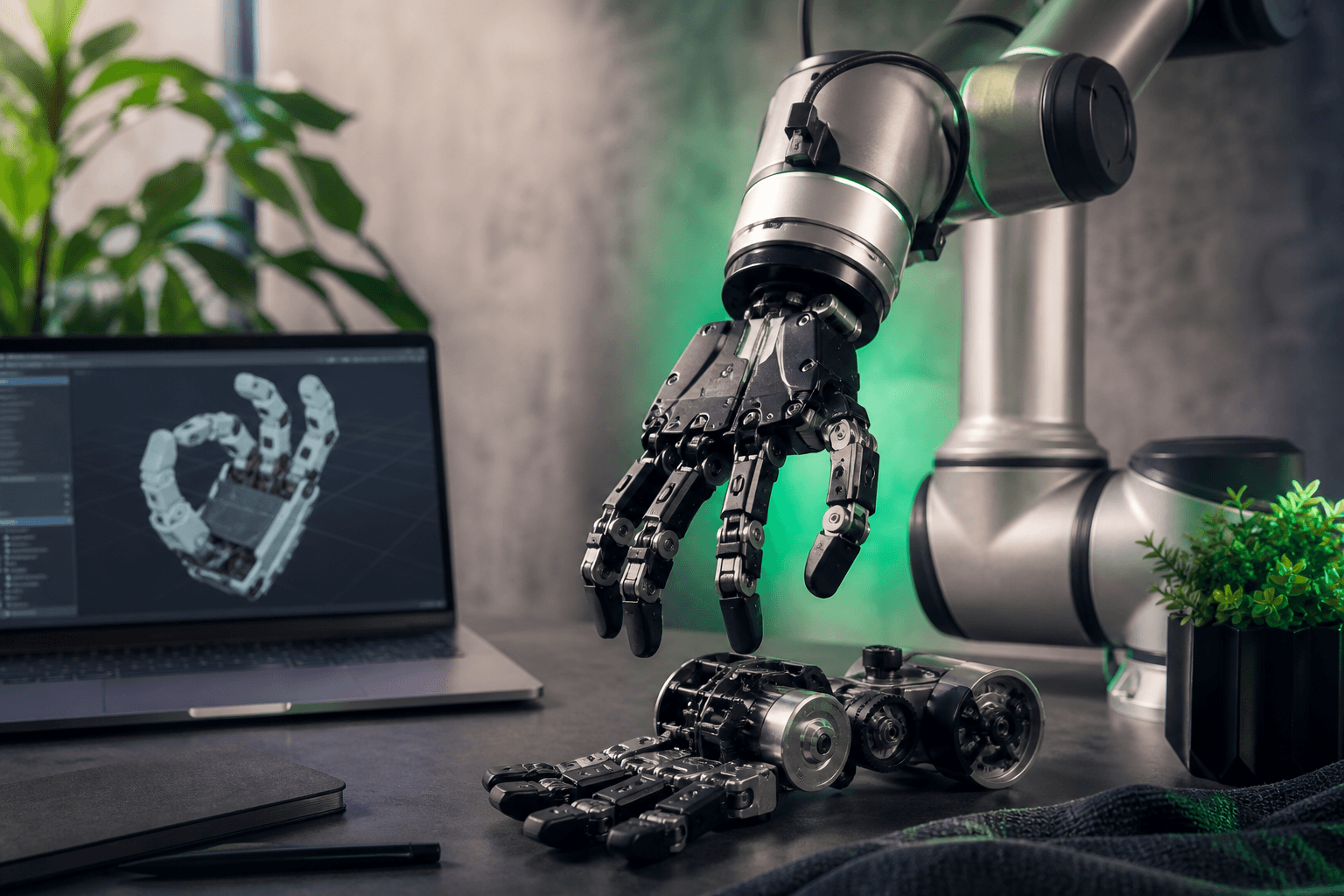
Robot Hand URDF Models: Simulating Grippers and Dexterous Manipulation
You pulled a robot hand URDF from an abandoned GitHub repo three hours ago, and you are still not grasping anything. The meshes are missing, the mimic joint tags throw parse errors, and when the fingers finally load in Gazebo they pass straight through the cube you wanted to pick up. The download itself took eleven seconds. The debugging has eaten your afternoon.
This is the part nobody warns you about. Community hand descriptions frequently ship with non-physical inertia matrices that wreck your physics solver before the controller ever runs — the widely used unofficial Allegro Hand fork is explicitly flagged for exactly this in the Drake project's Allegro Hand description, where the maintainers warn that the inertias should not be trusted without verification. The download was never the slow part. The fixing is.
What follows is a path to grasp-ready hand models that actually load, collide, and actuate correctly across Gazebo, Isaac Sim, PyBullet, and MuJoCo — with the specific parameters, DOF counts, and validation steps that separate a file that looks right from a file that grasps right.
Table of Contents
- Gripper or Dexterous Hand? Matching Model Type to Your Manipulation Task
- Anatomy of a Grasp-Ready Hand URDF
- The Simulator Compatibility Problem
- Where to Source Hand Models
- From Download to First Grasp
- Popular Hand & Gripper Models Worth Starting With
- Your Hand-Model Selection Briefing
- Frequently Asked Questions
Gripper or Dexterous Hand? Matching Model Type to Your Manipulation Task
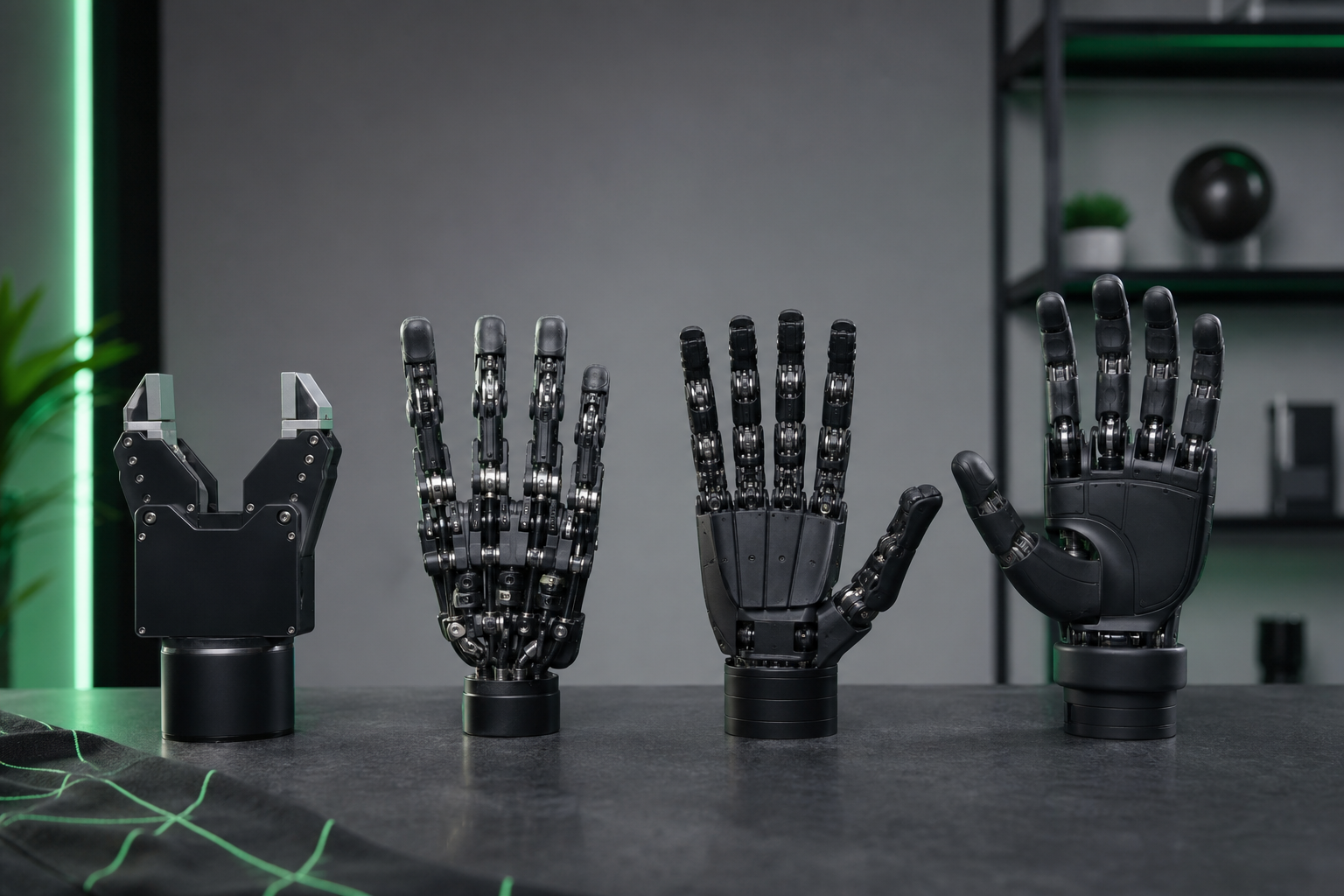
Before you download anything, decide what category of robot hand your task actually needs. The choice falls into four buckets, and each one carries a very different control and simulation burden.
Two-finger parallel grippers are the workhorse of pick-and-place pipelines and industrial automation. Mechanically they may expose several joints, but you control essentially one axis: open or close. The Robotiq 2F-85 is listed in MuJoCo Menagerie as an 8-DOF mechanism, yet in practice you command a single effective open/close degree of freedom. Low control complexity, low solver cost, and exactly what most manipulation pipelines require.
Three-finger and adaptive grippers sit one step up. With three or four effective DOF, they wrap around irregular geometry that a flat parallel jaw would drop. They cost more to tune, but the geometric conformity earns its keep on awkward objects.
Anthropomorphic five-finger dexterous hands are where the complexity climbs steeply. The Shadow Dexterous Hand is a 24-DOF anthropomorphic hand with 20 independently controlled joints, 4 mechanically coupled joints, and 92 embedded touch sensors across the palm and phalanges, according to the Gymnasium-Robotics Shadow Hand environment documentation. This is the de facto benchmark for dexterous reinforcement learning, teaching kinematics, and manipulation research — and it will tax your solver accordingly.
Underactuated tendon-driven hands trade independent actuation for compliance. With few actuators driving many joints, they grasp robustly without per-joint control. A prototype under-actuated tendon-driven finger reaches over 90% grasp success with fingertip stiffness around 1.2×10³ N/m, per analysis at Emergent Mind. For irregular objects and robust closing, that compliance is an asset, not a compromise.
The through-line is degrees of freedom. Prof. Kevin Lynch of Northwestern, co-author of Modern Robotics, frames a robot's DOF as the freedoms of its rigid bodies minus constraints in his "Degrees of Freedom of a Robot" lecture. Every added DOF compounds controller complexity and solver cost. More DOF is not "better" — it is more to actuate, more to tune, and more to stabilize.
| Hand Type | Effective DOF | Control Complexity | Sim Cost | Typical Use Case |
|---|---|---|---|---|
| 2-finger parallel gripper | ~1 (open/close) | Low | Low | Pick-and-place pipelines |
| 3-finger adaptive gripper | 3–4 | Medium | Medium | Irregular-object grasping |
| Anthropomorphic 5-finger | 20–24 | High | High | Dexterity / RL research |
| Underactuated tendon | Few actuators, many joints | Medium | Medium | Compliant robust grasping |
The Robotiq 2F-85 is an 8-DOF mechanism exposing ~1 controllable axis; the Shadow Dexterous Hand carries 24 DOF with 20 actuated and 4 coupled joints.
The most expensive robot hand is the one you spend a week fixing before it ever grasps anything.
Anatomy of a Grasp-Ready Hand URDF — What Separates Working Models from Broken Ones
Once you know which category you need, the question becomes whether a given file will actually behave. A robot hand URDF can pass a parser and still fail in physics. Here is what to verify before you trust the file.
Joint limits and mimic/coupling tags. URDF describes robots as trees of links connected by joints. Each joint specifies a name, type — fixed, prismatic, revolute, or continuous — parent and child links, an origin transform, a motion axis, and limits for upper/lower position, velocity, and effort, as detailed by Articulated Robotics. For dexterous hands you also want soft limits: MoveIt's SRDF conventions add soft_lower_limit and soft_upper_limit to distinguish physical hard stops from preferred operating ranges, per the MoveIt URDF/SRDF tutorial. Coupled fingers — like Shadow's four mechanically coupled joints — must be modeled correctly, or the simulated kinematics diverge from the real hardware.
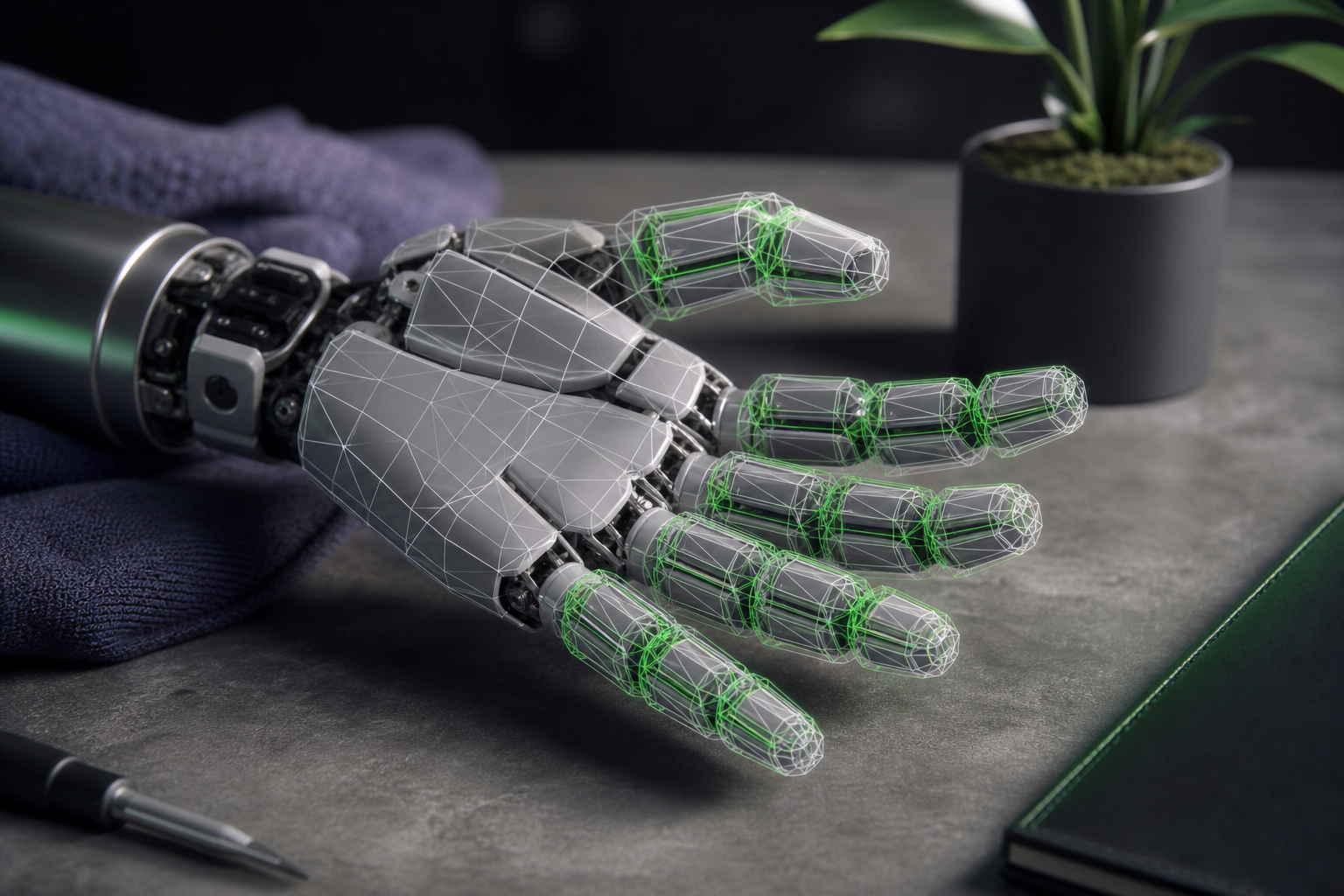
Collision meshes with convex decomposition. Visual meshes are not collision meshes. A finger modeled as a single concave mesh will produce unreliable contact resolution. Concave geometry must be decomposed into convex pieces per finger segment, or your fingers will either pass through objects or snag on phantom contacts.
Friction and contact parameters. These live outside the geometry entirely, in the simulator's surface and contact settings. They are covered in depth in the validation walkthrough below — flag them here as the difference between a stable hold and a slipping object, independent of how clean your meshes are.
Coupled and underactuated tendon modeling. Physics engines handle tendon coupling differently. A missing or oversimplified coupling makes an underactuated hand behave like a rigid one, erasing exactly the compliance that justified choosing it.
Sensor configurations. Research hands carry instrumentation that your pipeline may depend on. The Shadow hand's 92 touch sensors are only useful if they are declared in the description; verify tactile and force-torque elements are present before you build a perception loop around them.
Inertial values that don't explode the solver. This is the silent killer. Many community forks ship non-physical inertia matrices — unrealistic mass and inertia values that destabilize solvers. The unofficial Allegro fork is explicitly flagged in the Drake project for exactly this, with a warning that its inertias should not be trusted unverified. A hand with bad inertials will jitter, drift, or detonate the moment contact forces hit it.
A hand that looks right in the visualizer and a hand that grasps correctly in physics are two completely different files.
The Simulator Compatibility Problem — Why the Same Hand Behaves Differently in Gazebo, MuJoCo, and Isaac Sim
Even a clean robot hand model will grasp differently depending on where you load it. Confirm which simulator's constraints you must satisfy before you download, because contact solvers and native formats are not interchangeable.
Gazebo supports both URDF and SDF and can run multiple physics engines — ODE, Bullet, and DART — with strong ROS 2 integration through ros_gz bridges. Newer Gazebo supports SDF-only workflows where sdformat_urdf bridges to ROS 2's robot_description, reducing the need to maintain separate URDF and SDF files for the same hand, per the Gazebo–ROS 2 interoperability docs.
MuJoCo defines robots in MJCF but imports URDF through converters. Its contact engine is favored for dexterous hands precisely because it resolves millimetre-scale penetration reliably, as documented in the MuJoCo computation docs. For contact-rich grasping, that fidelity matters.
PyBullet supports both URDF and MJCF with a Python API optimized for reinforcement learning workloads, which is why it shows up so often in RL grasping research.
Isaac Sim uses USD-based assets but provides URDF import and specialized gripper extensions — including a surface-gripper extension with configurable thresholds and force limits, per the Isaac Sim robot assets documentation. Its GPU-accelerated contacts handle high body counts well.
A 2024 review of nine physics engines for reinforcement learning confirms that Gazebo, MuJoCo, and PyBullet all support URDF-based models and are widely used for contact-rich tasks such as dexterous manipulation and grasping. That shared URDF support is the good news. The friction is that the same hand URDF can grasp cleanly in one engine and jitter in another because the contact solvers differ in how they resolve penetration and friction. That conversion guesswork is exactly what pre-tested, multi-engine-verified models eliminate — URDF Hub validates each hand across Gazebo, Isaac Sim, PyBullet, and MuJoCo before publishing it.
| Simulator | Native Format | URDF Support | Contact Strength for Grasping | ROS 2 Integration |
|---|---|---|---|---|
| Gazebo | URDF / SDF | Native | Good (ODE/Bullet/DART) | Strong (ros_gz) |
| MuJoCo | MJCF | Via converter | High accuracy (mm-scale) | Limited / external |
| PyBullet | URDF / MJCF | Native | Good (RL-tuned) | Via wrappers |
| Isaac Sim | USD | Import + gripper ext. | High (GPU contacts) | Native ROS 2 bridge |
Where to Source Hand Models — Scattered Repos vs. a Verified Repository
Sourcing a robot hand URDF model is less about scarcity than about quality control. There is no shortage of files; there is a shortage of files you can trust on the first load. Here is where each option genuinely shines and where the friction lives.
Random GitHub repos are abundant and occasionally excellent, but unverified. Non-physical inertias are common — the Drake Allegro-fork warning exists because this failure mode is widespread, not rare. You may get lucky. You may also burn an afternoon, as you already know.
robot-assets and urdf_files datasets offer broad collections that are useful for browsing what exists. The cost is inconsistent documentation and no ROS 2 launch wiring, which means you supply the integration work yourself.
MuJoCo Menagerie is genuinely high-quality and a strong choice if you live in MuJoCo. It lists the Robotiq 2F-85 as an 8-DOF gripper under BSD-2-Clause and the Shadow Hand EM35 as a 24-DOF hand under Apache-2.0. The catch for ROS 2 users is that these are MJCF-native and require conversion for URDF workflows.
Manufacturer URDFs are authoritative when they exist, but the gaps are real. Robotiq's own community forum acknowledges there are no official URDF/XACRO models for the newer 2F-85 and 2F-140 grippers, and that simulating their adaptive mode in Gazebo "is not easy" — driving users onto custom forks with simplified, non-adaptive behavior, per Robotiq community discussions. Canonical kinematics, yes; complete coverage, not always.
URDF Hub publishes peer-reviewed, verified models with complete documentation, joint limits, collision meshes, and sensor configurations. Each is pre-tested across Gazebo, Isaac Sim, PyBullet, and MuJoCo, ships with ROS 2 launch files for Humble, Iron, and Jazzy, and carries clear MIT or Apache-2.0 licensing. The differentiator is not that other sources are bad — Menagerie's MuJoCo fidelity and manufacturer repos' canonical kinematics both have real value — it is that the launch wiring and license clarity are already done.
| Source | Verification | ROS 2 Launch Files | License Clarity | Format Options |
|---|---|---|---|---|
| Random GitHub repos | None | Rare | Often unclear | URDF only (varies) |
| robot-assets datasets | Minimal | No | Mixed | URDF |
| MuJoCo Menagerie | High | No | BSD-2 / Apache-2.0 | MJCF native |
| Manufacturer URDFs | High (when exists) | Sometimes | Clear | URDF/XACRO (gaps) |
| URDF Hub | Peer-reviewed | Yes (Humble/Iron/Jazzy) | MIT / Apache-2.0 | URDF + XACRO |
From Download to First Grasp — Loading a Hand Model and Validating It
You have a file. Now turn it into a verified grasp. This sequence takes a robot hand from download to a stable hold, with concrete baseline numbers so you are not tuning blind.
- Download the URDF/XACRO and unpack the meshes. Confirm every relative mesh path resolves. A broken path is the most common reason a hand loads as a cluster of invisible links.
- Inspect the joint tree. Verify joint types, position/velocity/effort limits, and any
mimicor coupling tags before you load anything heavier. URDF's joint anatomy gives you everything you need to read here — if a coupled finger has no coupling tag, stop and fix it. - Load in your target simulator. Confirm the native format matches the engine, per the compatibility table above. Convert MJCF or import to USD as needed rather than assuming a raw URDF drops in.
- Verify collision meshes and joint limits visually. Render the collision geometry, not just the visual mesh, and confirm convex decomposition is present per finger segment.
- Set baseline contact parameters. For Gazebo grasping, start from ODE values:
soft_cfm=0,soft_erp=0.2, contact stiffnesskp≈5×10⁵, dampingkd≈1,max_vel=0.01 m/s,min_depth=0.001 m, andmax_contacts=20, per the Gazebo physics and surface contacts discussion. For MuJoCo, apply a 1 mm contact margin and treat links as in-contact within 2 mm of the object surface, relying on MuJoCo's reliable millimetre-scale penetration resolution. For Isaac Sim surface grippers, start frommax_grip_distance≈0.1 m, shear and coaxial force limits around 500 N each, and a grip threshold near 0.01 m, per the Isaac Lab surface gripper tutorial. - Wire the ROS 2 controller and launch file. Configure your
ros2_controlgripper controllers. Misaligned URDF/USD frames cause the arm to swing or misgrip even when the model itself is correct — an NVIDIA Isaac Sim UR10e-with-gripper MoveIt tutorial demonstrates that frame alignment is the hinge point between a working grasp and a flailing one. - Run a test grasp and check contact stability. Close on an object, then hold a settling pause and watch for jitter or penetration. If the object sits still, your contact model is sound. If it vibrates or sinks into a fingertip, return to step 5.
One expert caution carries across engines: keep the gripper threshold distance as small as practical. Niranjan, the Isaac Sim instructor in LycheeAI's "Surface Grippers Explained" tutorial, warns that large thresholds cause surface and suction grippers to latch onto multiple nearby objects instead of the single target you intended.
If your test grasp survives a settling pause without the object jittering through the fingers, your contact parameters are sound.
Popular Hand & Gripper Models Worth Starting With
These robot hand models are common starting points across research and industry. Each entry states what it is best for, its DOF, and the validation or licensing notes that matter before you commit.
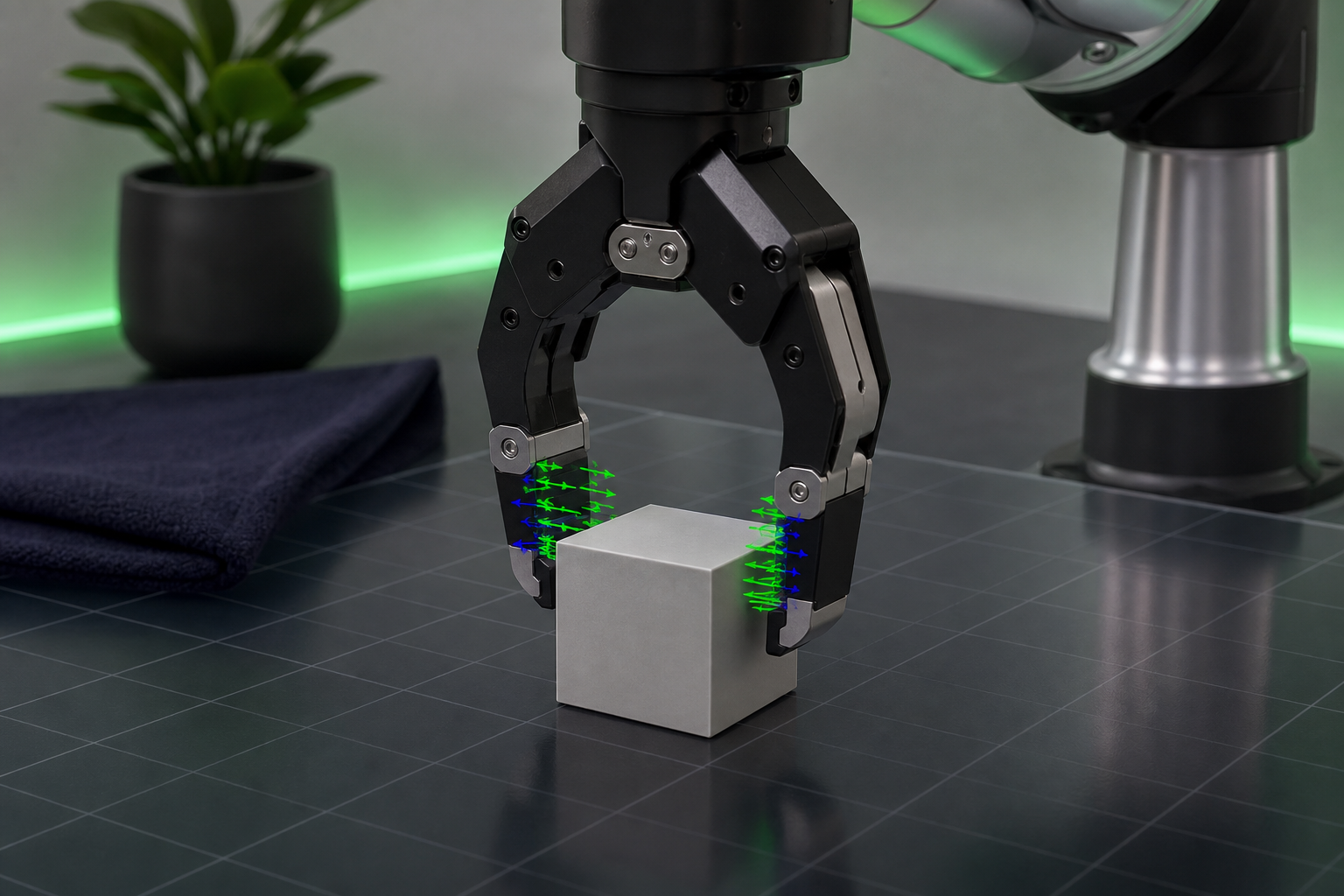
Robotiq 2F-85 / 2F-140. The workhorse parallel grippers for pick-and-place. The 2F-85 appears in MuJoCo Menagerie as an 8-DOF adaptive gripper under BSD-2-Clause. The caveat is the sourcing gap covered earlier — no official URDF/XACRO for the newer 2F-85 and 2F-140, and adaptive mode that is hard to simulate in Gazebo — so favor a verified, pre-wired model over a hand-rolled fork.
Franka Panda hand. The integrated two-finger gripper paired with the Panda arm. It is well-supported across simulators and a sensible default when your manipulation pipeline is already built around the Panda. Predictable kinematics, broad community coverage, minimal surprises.
Allegro Hand. The dexterous RL favorite — four fingers, roughly 16 DOF, and a frequent choice for in-hand manipulation policies. The warning bears repeating: unofficial forks ship non-physical inertias. Verify the inertials before you trust any Allegro file, or your training run will be fighting the solver instead of learning the task.
Shadow Dexterous Hand. The high-DOF anthropomorphic benchmark: 24 DOF with 20 actuated and 4 coupled joints, plus 92 touch sensors. It appears in Menagerie as the EM35 under Apache-2.0. This is the model to reach for when you need a research-grade dexterity baseline that reviewers will recognize.
Underactuated and adaptive grippers. Compliant tendon-driven designs that reach over 90% grasp success with fingertip stiffness around 1.2×10³ N/m, robust on irregular objects. For a sense of what research-grade dexterity costs to build, the UW Hand is a 20-DOF tendon-driven anthropomorphic hand — built with 3D printing and low-cost actuation — that achieves fast, human-like movement, per its IJRR publication. It is a useful reference for the DOF and actuation scale of a serious dexterous design.
Your Hand-Model Selection Briefing — A Pre-Download Checklist
Run this gate before committing to any model. Each item is a verify-or-stop check you can answer yes or no.
- Task type confirmed. Are you gripping (parallel gripper) or manipulating (multi-finger dexterous)? This narrows both type and DOF — and remember that higher DOF means higher control and solver cost, per Lynch's degrees-of-freedom framing.
- Target simulator confirmed and native format available. URDF for Gazebo and PyBullet, import-ready for Isaac Sim, MJCF or a converter path for MuJoCo. All three of Gazebo, MuJoCo, and PyBullet support URDF-based models per the nine-engine review, but confirm the path before you download.
- Collision meshes present and convex-decomposed. Not just visual meshes. Render the collision geometry to confirm.
- Joint limits and mimic/coupling tags complete. Include soft limits for planning where your pipeline needs them, per MoveIt's SRDF conventions.
- Inertial values sanity-checked. Reject non-physical inertia matrices that destabilize the solver — the failure mode the Drake Allegro warning exists to prevent.
- ROS 2 launch files included for your distro. Humble, Iron, or Jazzy. Missing launch wiring is one of the most reliable time sinks in the entire workflow.
- License compatible with your project. MIT and Apache-2.0 both permit unrestricted commercial use. Apache-2.0 adds an explicit patent grant and requires preserving license and NOTICE files; MIT carries fewer formal obligations, per the Endor Labs open-source licensing overview and the Mend.io Apache license FAQ.
- Documentation and sensor configs present. Confirm tactile and force-torque declarations exist if your pipeline depends on them.
Run all eight and your robot hand will load, collide, and grasp on the first attempt instead of the fifth. Browse the verified hand and gripper models on URDF Hub — peer-reviewed, pre-tested across Gazebo, Isaac Sim, PyBullet, and MuJoCo, with ROS 2 launch files included and clear MIT/Apache-2.0 licensing — and skip the afternoon of debugging entirely.
Frequently Asked Questions
Can I convert a robot hand URDF to MuJoCo MJCF for RL training?
Yes. MuJoCo defines robots in MJCF but imports URDF through converters, and PyBullet handles URDF and MJCF directly — which is exactly why both are widely used for contact-rich RL grasping, per the nine-engine physics review and MuJoCo's computation docs. After conversion, verify that your collision meshes and inertia values survive intact; a converter can preserve geometry while silently mangling the inertials that keep the solver stable.
How many DOF do I need for realistic dexterous grasping?
It depends on the task. A single-DOF parallel gripper handles most pick-and-place work. Research-grade dexterity targets 20–24 DOF — the Shadow Hand runs 24 DOF with 20 actuated and 4 coupled, and the UW Hand demonstrates 20-DOF tendon-driven human-like movement. More DOF means more to control and more to simulate, so match the count to the manipulation you actually need rather than reaching for the highest number available.
Why does my gripper's object slip even with correct joint limits?
Joint limits govern geometry, not contact. Slip comes from friction and contact tuning. Gazebo users migrating to newer versions report default values producing sticking, slipping, or jitter even when joint limits and collision meshes are correct — start from kp≈5×10⁵, kd≈1, and min_depth≈0.001 m, then tune. A MuJoCo grasping discussion adds that controller design and reward shaping can matter as much as the geometry of the hand model itself, so look beyond the URDF if the parameters check out.
Are MIT/Apache-2.0 licensed hand models safe for commercial robotics products?
Yes. Both permit unrestricted commercial use. Apache-2.0 adds an explicit patent grant and requires preserving license and NOTICE files; MIT carries fewer formal obligations and is slightly more permissive. For a commercial product, either is safe — just preserve the required notices when you ship Apache-2.0 assets.